03 / Practice Player
Practice Player
Local audio, speed, pitch, A/B loop, recording, library.
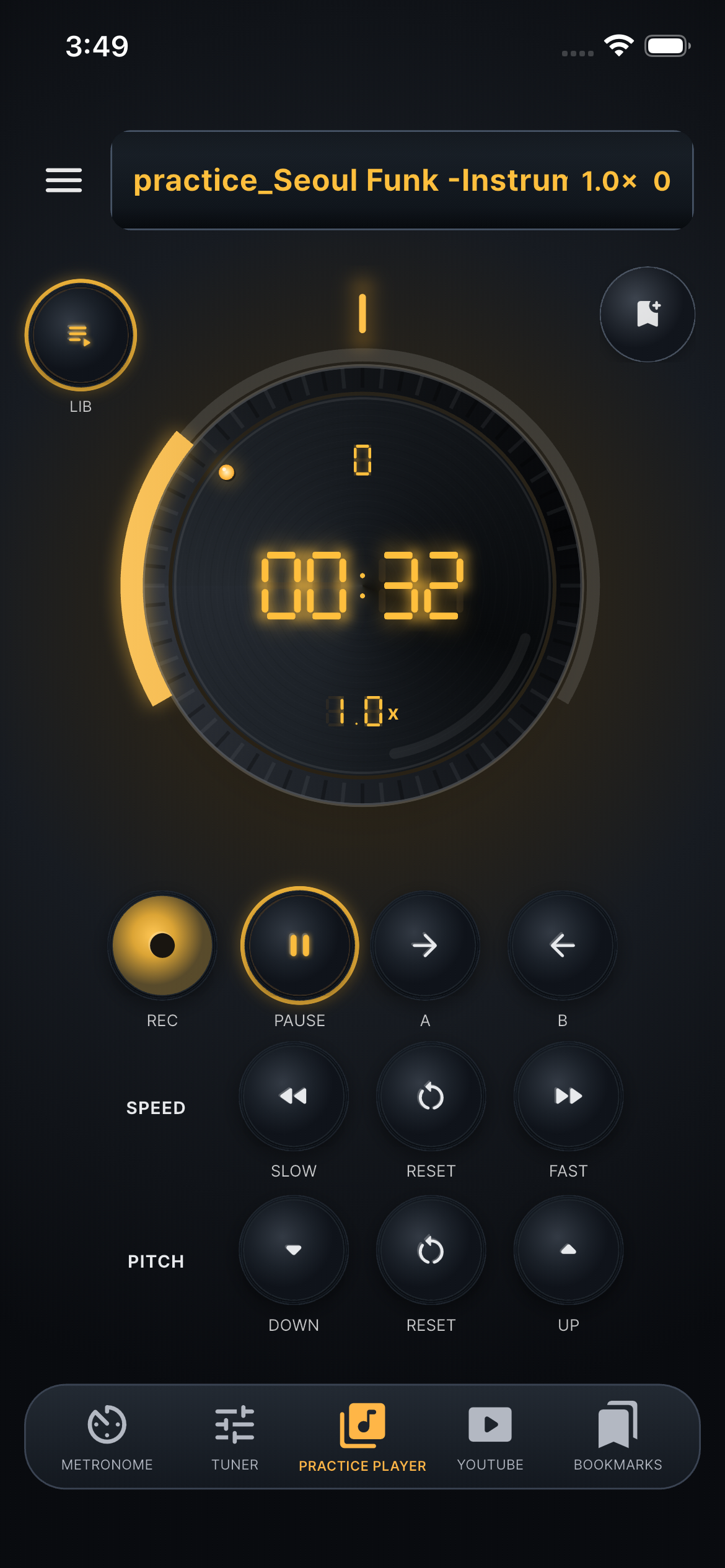

Local Audio
- mp3, wav, m4a, aac, flac, ogg
- stable Android import path

Bundled Sample
- Seoul Funk -Instrumental.mp3
- ready to test in app

Speed
- 0.20x-2.00x
- 0.05x steps
- change during playback

Pitch
- -12 to +12 semitones
- 1 semitone steps
- KEY 0 reset

A/B Loop
- set A point
- set B point
- repeat section
- keeps loop while stopped

Seek
- back/forward
- play from current position
- align to loop start when outside section

Recording
- 44.1 kHz mono WAV
- microphone permission
- time and level display

Recording Library
- recording list
- load
- preview
- delete
- missing file cleanup

Restore State
- last source
- speed
- pitch
- position
- A/B loop

Bookmark Saves
- source path
- source name
- speed
- A/B loop