Band Mate
KO EN JA
Screen 01 Rhythm engine

01 / Metronome

The moment you start the beat, the session begins.

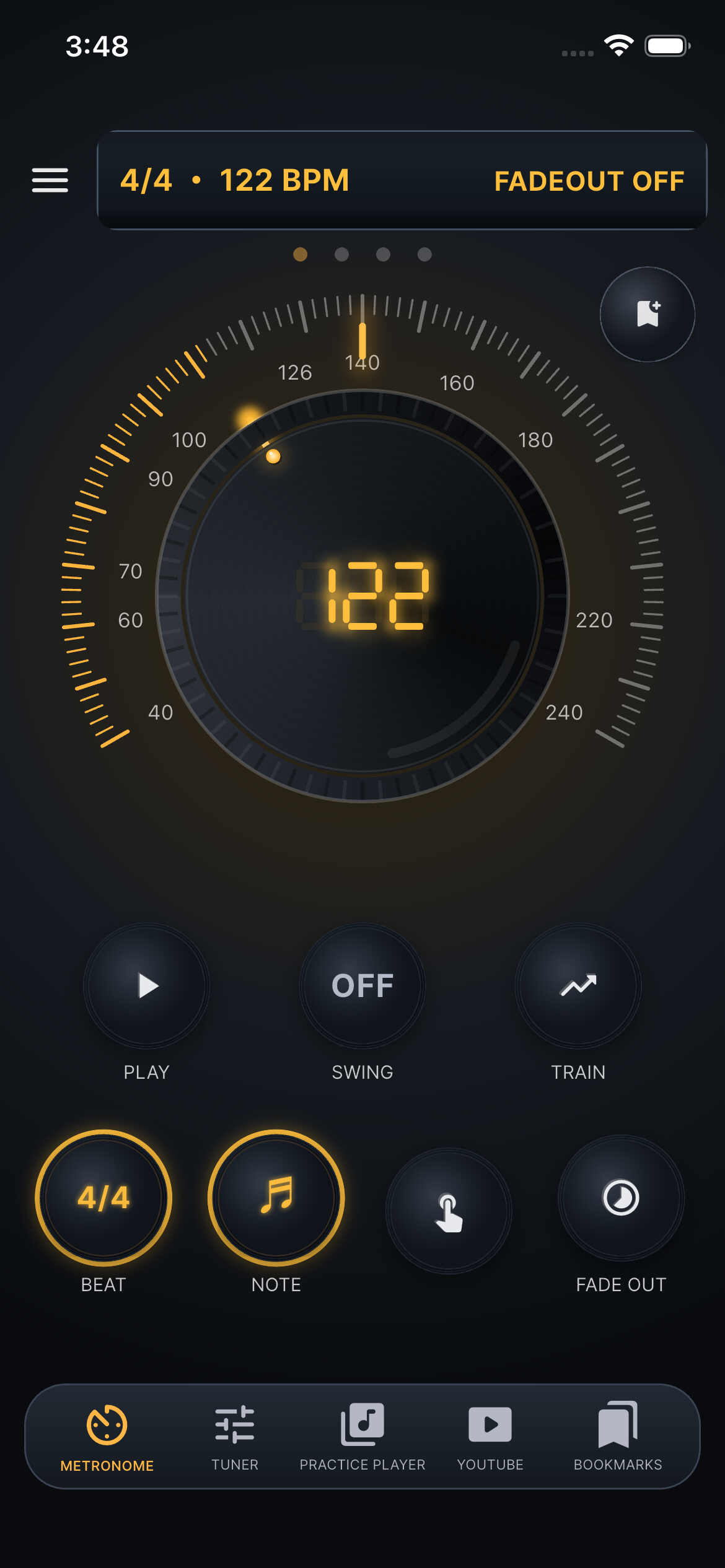
Band Mate’s metronome is not just a BPM number. Shape tempo with a large knob, change meter and note division, and keep swing, fade-out, and tempo trainer in the same screen.

Band Mate metronome screen
Pulse console
BPM knob

A big knob for tempo

Control BPM from the center knob. Fast turns add momentum, and when you adjust tempo during playback the engine pauses briefly and resumes naturally.

Meter

From 2/4 to 7/8 and OFF

Supported meters are 2/4, 3/4, 4/4, 5/4, 6/4, 6/8, 7/8, and OFF. 6/8 accents beats 1 and 4, while 7/8 follows a 2+2+3 grouping.

Division

Quarter, eighth, sixteenth, triplets

Use quarter notes, eighth notes, sixteenth notes, and eighth-note triplets. The visual beat indicator and click pattern expand together.

Swing

Groove from 50% to 70%

Swing is available for 4-denominator meters with eighth or sixteenth divisions. Presets cycle through 50, 52, 54, 58, 62, 66, and 70%.

Tap tempo

Tap BPM and return automatically

The app averages recent tap intervals within three seconds. If you tap while playing, it pauses once and resumes after the tap session ends.

Training

Fade-out and Tempo Trainer

Fade-out offers 1, 2, 3, and 5 minute presets with a perceptual curve down to -60 dB. Tempo Trainer moves from start BPM to target BPM over time using a smoothstep ramp.

Metronome bookmark saves BPM time signature note division swing percent fade-out tempo trainer